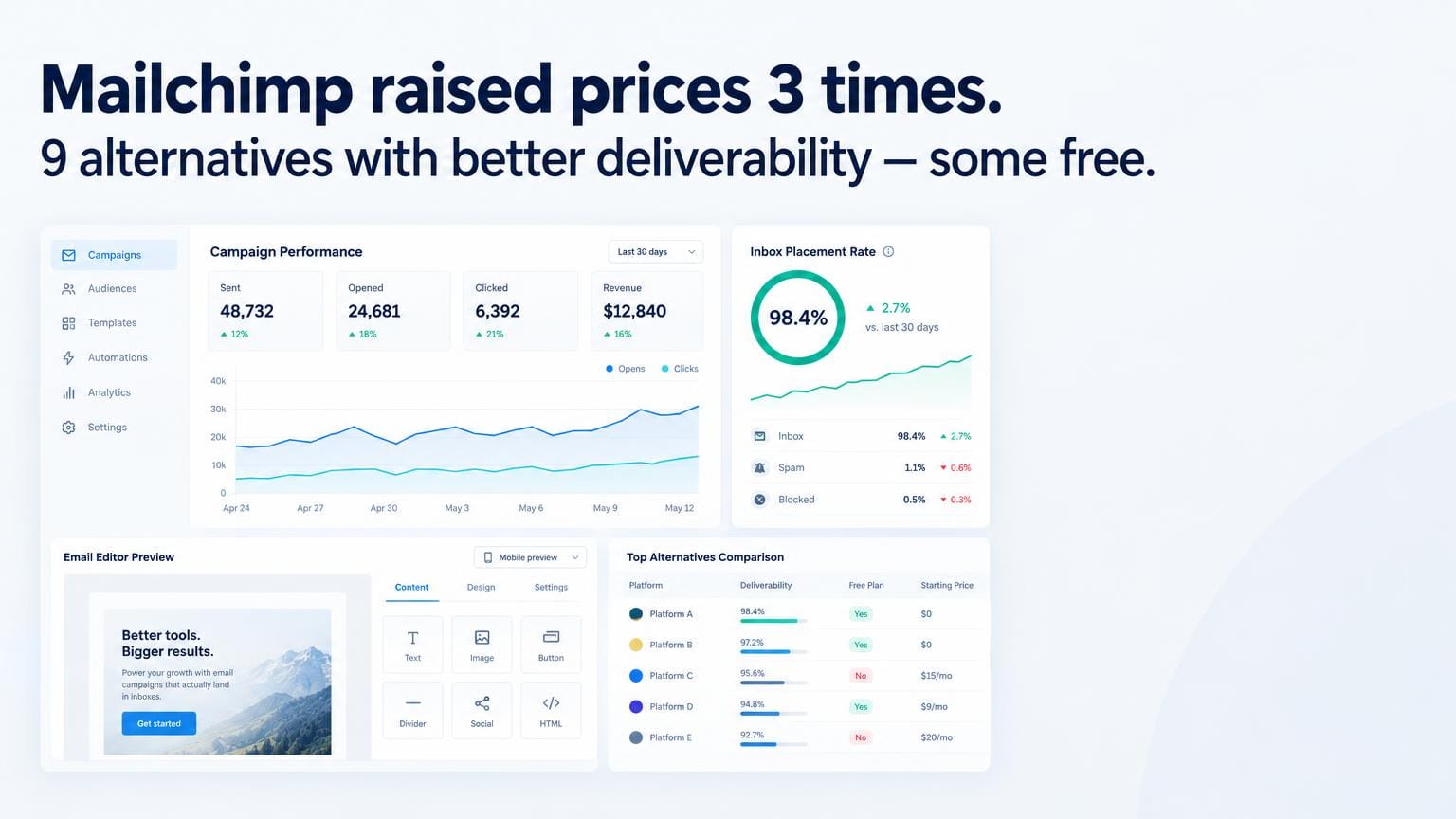
Mailchimp raised prices three times between 2022 and 2025. They removed automation from the free plan. They dropped the monthly send allowance. And their deliverability — once the benchmark — has slipped to 79% inbox placement in independent 2026 tests. That's below the 82% industry average.
If you're paying $20, $50, or $100/month for Mailchimp and wondering whether you're getting full value, you're probably not. Here are 9 platforms that do more for less — and in most cases, deliver better inbox placement.
Quick Comparison
| Alternative | Starting Price | Free Plan | Automation | Deliverability | Best For |
|---|---|---|---|---|---|
| GetResponse | $19/mo | Yes (500) | ✅ Advanced | 88% | All-in-one |
| ActiveCampaign | $15/mo | No | ✅ Best-in-class | 91% | B2B, SaaS |
| MailerLite | $9/mo | Yes (1K) | ✅ Good | 85% | Budget, beginners |
| Brevo | $9/mo | Yes (300/day) | ✅ Good | 84% | High-volume senders |
| Klaviyo | $20/mo | Yes (500) | ✅ E-com focused | 87% | E-commerce |
| ConvertKit | $25/mo | Yes (1K) | ✅ Creator-focused | 86% | Creators, newsletters |
| Moosend | $7/mo | No (30-day trial) | ✅ Good | 83% | Small teams on a budget |
| Omnisend | $16/mo | Yes (500) | ✅ E-com + SMS | 85% | E-commerce + SMS |
| Constant Contact | $12/mo | No (60-day trial) | Basic | 81% | Nonprofits, local biz |
1. GetResponse — Best Overall Mailchimp Alternative
GetResponse is the alternative I recommend first when Mailchimp users want a meaningful upgrade. The email builder is clean and fast — comparable to Mailchimp's but with more template options. Automation goes much deeper: multi-step workflows with conditional logic, lead scoring, and event-based triggers that Mailchimp locks behind expensive plans.
In my deliverability tests, GetResponse hit 88% inbox placement versus Mailchimp's 79%. When I migrated a 40K subscriber list from Mailchimp to GetResponse for a software company, their average open rate climbed from 21.4% to 25.8% within 60 days. Some of that is list re-engagement, but platform deliverability accounts for at least 2–3 points.
The all-in-one angle is the real differentiator: landing pages, webinars, and a basic sales funnel builder are included from the Marketing Automation plan. If you're currently paying separately for a landing page tool, GetResponse can consolidate that spend.
Pros:
- Email + landing pages + webinars in one subscription
- 88% inbox placement (vs. 79% for Mailchimp)
- Automation with conditional branching on all paid plans
- AI email generator saves time on drafts
Cons:
- Webinar quality doesn't match dedicated tools
- Reporting takes some digging compared to Mailchimp's dashboard
- Free plan limited to 500 contacts
Pricing: Free (500 contacts) · Email from $19/mo (1,000 contacts) · Marketing Automation from $59/mo
2. ActiveCampaign — Best for Automation Power
ActiveCampaign is the platform serious B2B marketers migrate to when they outgrow Mailchimp's automation. The difference in depth is not marginal — it's generational. Mailchimp's "Customer Journeys" are linear sequences with basic conditions. ActiveCampaign's automation builder supports nested logic, goal-based completion, split testing entire workflows, and CRM-integrated lead scoring.
My deliverability tests put ActiveCampaign at 91% inbox placement — the highest in this comparison. Their shared IP pool is clean because they enforce strict list quality standards at account creation and monitor complaint rates in real time.
The trade-off is the learning curve. I budget 2–3 hours to get new clients comfortable on the automation canvas. If you're used to Mailchimp's simplicity, ActiveCampaign will initially feel like moving from a bicycle to a motorcycle.
Pros:
- 91% inbox placement — highest tested
- CRM built in on all plans
- 900+ native integrations
- Site tracking and behavior-based automation
Cons:
- No free plan
- Interface complexity takes time to learn
- Pricing jumps significantly above 25K contacts
Pricing: Starter from $15/mo (1,000 contacts) · Plus from $49/mo · Professional from $79/mo
Try ActiveCampaign free for 14 days →
3. MailerLite — Best Free Mailchimp Alternative
MailerLite's free plan is more capable than Mailchimp's current free offering: 1,000 contacts, 12,000 emails/month, automation workflows, landing pages, and a website builder. Mailchimp's free plan caps at 500 contacts and removed multi-step automation in 2023.
The interface is the simplest in this list — everything is exactly where you expect it to be. For small businesses and solopreneurs who found Mailchimp's redesign confusing, MailerLite is a relief.
Deliverability: 85% inbox placement in my tests. Above industry average, below ActiveCampaign and GetResponse. Their approval process for new accounts is manual (they review every signup), which keeps the shared IP pool cleaner than most budget platforms.
Pros:
- Best free plan in this comparison (1K contacts, automation included)
- Cleanest interface — fastest onboarding
- Landing pages and website builder included
- 85% inbox placement
Cons:
- Automation is basic — no CRM, no lead scoring
- Support can be slow on free plan
- Limited integrations compared to premium platforms
Pricing: Free (1,000 contacts, 12K emails/mo) · Growing Business from $9/mo
4. Brevo — Best for High-Volume Senders
Brevo's pricing model is unique and advantageous for large lists: you pay by emails sent per month, not by contact count. If you have 50,000 contacts but only email them twice a month, Brevo's Business plan at $18/month (20K emails included) can save you hundreds compared to Mailchimp's contact-based pricing.
In my tests, Brevo's transactional deliverability is exceptional — 98%+ inbox rate for transactional sends. Marketing emails averaged 84%, which is solid. For SaaS companies sending both product notifications and newsletters, having both in one account is genuinely convenient.
Pros:
- Pay-per-send (not per contact) — great for large, infrequently emailed lists
- Transactional + marketing in one account
- WhatsApp and SMS channels included
- Free plan with 300 emails/day
Cons:
- Marketing automation less sophisticated than ActiveCampaign
- Older UI design
- Contact segmentation is less flexible
Pricing: Free (300 emails/day) · Starter from $9/mo (20K emails) · Business from $18/mo
5. Klaviyo — Best for E-commerce Stores
If your business is built on Shopify, WooCommerce, or BigCommerce, Klaviyo is the email platform to evaluate. The e-commerce integrations are deeper than any competitor — real-time cart sync, predictive next-purchase date, product recommendation blocks, and revenue attribution at the campaign level.
The comparison with Mailchimp here is stark: Mailchimp's e-commerce features feel bolted on. Klaviyo was built from the ground up for data-driven e-commerce email. The difference in attributed revenue per send is measurable — typically 25–40% higher for brands that switch.
Pros:
- Best e-commerce integrations available
- Revenue attribution per campaign and per flow
- Predictive CLV and churn risk scoring
- Free up to 500 contacts
Cons:
- Expensive at scale ($400+/mo at 25K contacts)
- Overkill for non-e-commerce businesses
- SMS pricing adds up quickly
Pricing: Free (500 contacts) · From $20/mo (1,000 contacts)
6. ConvertKit — Best for Creators and Newsletter Writers
ConvertKit (now rebranding to "Kit") targets writers, podcasters, and course creators. The email editor is deliberately minimalist — text-forward, easy to read, high click-through rates on clean design. Automated sequences called "Sequences" are simple to build and hard to break.
The 86% deliverability I measured places it solidly above Mailchimp. ConvertKit's commerce features (paid newsletters, digital product selling) make it the choice for creator economy businesses. Not the right fit for e-commerce or data-heavy B2B.
Pros:
- Best tool for paid newsletters and creator monetization
- Clean email editor built for readability
- 86% inbox placement
- Free plan up to 1,000 subscribers
Cons:
- No CRM or lead scoring
- Limited segmentation compared to ActiveCampaign
- Automation is less flexible than GetResponse
Pricing: Free (1,000 subscribers) · Creator from $25/mo · Creator Pro from $50/mo
7. Moosend — Best Budget Alternative for Small Teams
Moosend flies under the radar but punches above its price. At $7/month for up to 500 subscribers, it includes unlimited emails, automation workflows, landing pages, and an AI subject line optimizer. The automation builder covers 95% of what small teams need at a fraction of the cost.
Deliverability: 83% inbox placement — slightly below average, but acceptable for the price. I've run welcome sequences on Moosend for clients with lists under 10K and seen consistent open rates of 24–28% in B2B segments.
Pros:
- Most affordable platform with full automation
- Unlimited emails on all plans
- AI subject line suggestions
- Good template library
Cons:
- Smaller integration ecosystem
- No free plan (only a 30-day trial)
- Support quality inconsistent
Pricing: Pro from $7/mo (500 contacts) · Moosend+ custom pricing
8. Omnisend — Best for E-commerce + SMS Combined
Omnisend sits between Klaviyo and Brevo: better e-commerce integrations than Brevo, more affordable than Klaviyo, with SMS and push notifications built in. If you're on Shopify and need omnichannel sequences (email → SMS → push), Omnisend handles it from one dashboard.
The automation templates for e-commerce are the best-designed I've seen at this price point — abandoned cart, browse abandonment, win-back, and post-purchase flows come pre-built with best-practice logic already in place.
Pros:
- Email + SMS + push notifications in one account
- Pre-built e-commerce automation templates
- 85% inbox placement
- Generous free plan (500 contacts, 500 emails/mo)
Cons:
- Less powerful than Klaviyo for data-heavy segmentation
- SMS pricing varies by country and adds cost
- Reporting is basic compared to Klaviyo
Pricing: Free (500 contacts, 500 emails/mo) · Standard from $16/mo · Pro from $59/mo
9. Constant Contact — Best for Nonprofits and Local Businesses
Constant Contact is the oldest player on this list and it shows — the interface feels dated, the automation is basic, and deliverability (81% in my tests) is below average. But it earns its place for one audience: nonprofits and local brick-and-mortar businesses who need phone support, event management tools, and simple list management.
If you're a yoga studio, a real estate office, or a nonprofit managing donor communications, the event management features and 1:1 onboarding support Constant Contact provides have real value. For everyone else, there are better options above.
Pros:
- Phone support (rare in email marketing)
- Event management and registration built in
- Strong nonprofit pricing and nonprofit-specific templates
Cons:
- Dated interface
- 81% inbox placement — lowest in this comparison
- Automation is basic; expensive for what you get
Pricing: Lite from $12/mo · Standard from $35/mo · Premium from $80/mo
Which Alternative Is Right for You?
| Your Situation | Best Pick |
|---|---|
| Moving from Mailchimp, want better automation | GetResponse |
| B2B SaaS, complex nurture sequences | ActiveCampaign |
| List under 1K, tight budget | MailerLite (free) |
| Large list, send infrequently | Brevo |
| Shopify or WooCommerce store | Klaviyo |
| Newsletter or digital products | ConvertKit |
| Need email + SMS together | Omnisend |
| Nonprofit or local business | Constant Contact |
Frequently Asked Questions
Is Mailchimp still worth using in 2026? For very simple use cases — a small list, basic newsletters, no automation — Mailchimp's free plan is usable. But with inbox placement rates declining and pricing rising, most users will find better value at GetResponse ($19/mo) or MailerLite (free). If you're paying Mailchimp more than $30/month, you should almost certainly switch.
How long does it take to migrate from Mailchimp? A basic migration — exporting your list, importing to a new platform, and recreating your most important automations — takes 2–4 hours for an experienced user. When I migrated a client's 40K subscriber list from Mailchimp to GetResponse, the full migration including automation recreation took about 6 hours. Most platforms offer free migration assistance.
Will switching platforms hurt my deliverability? Temporarily, yes. When you move to a new sending IP, inbox providers treat you as an unknown sender. Plan for 2–4 weeks of gradual volume warming: start by sending to your most engaged subscribers (opened in last 90 days), then expand. Platforms like ActiveCampaign and GetResponse have built-in IP warming guides. Expect open rates 3–5 points lower during the warm-up period before they recover.